

AI-Powered Personal Finance

Track your money.Understand your spending.Budget with confidence.

SEFA is your personal finance companion — track income, manage budgets, import statements, and get plain-language AI insights about your money.

Final year project · Bowen University · Software Engineering

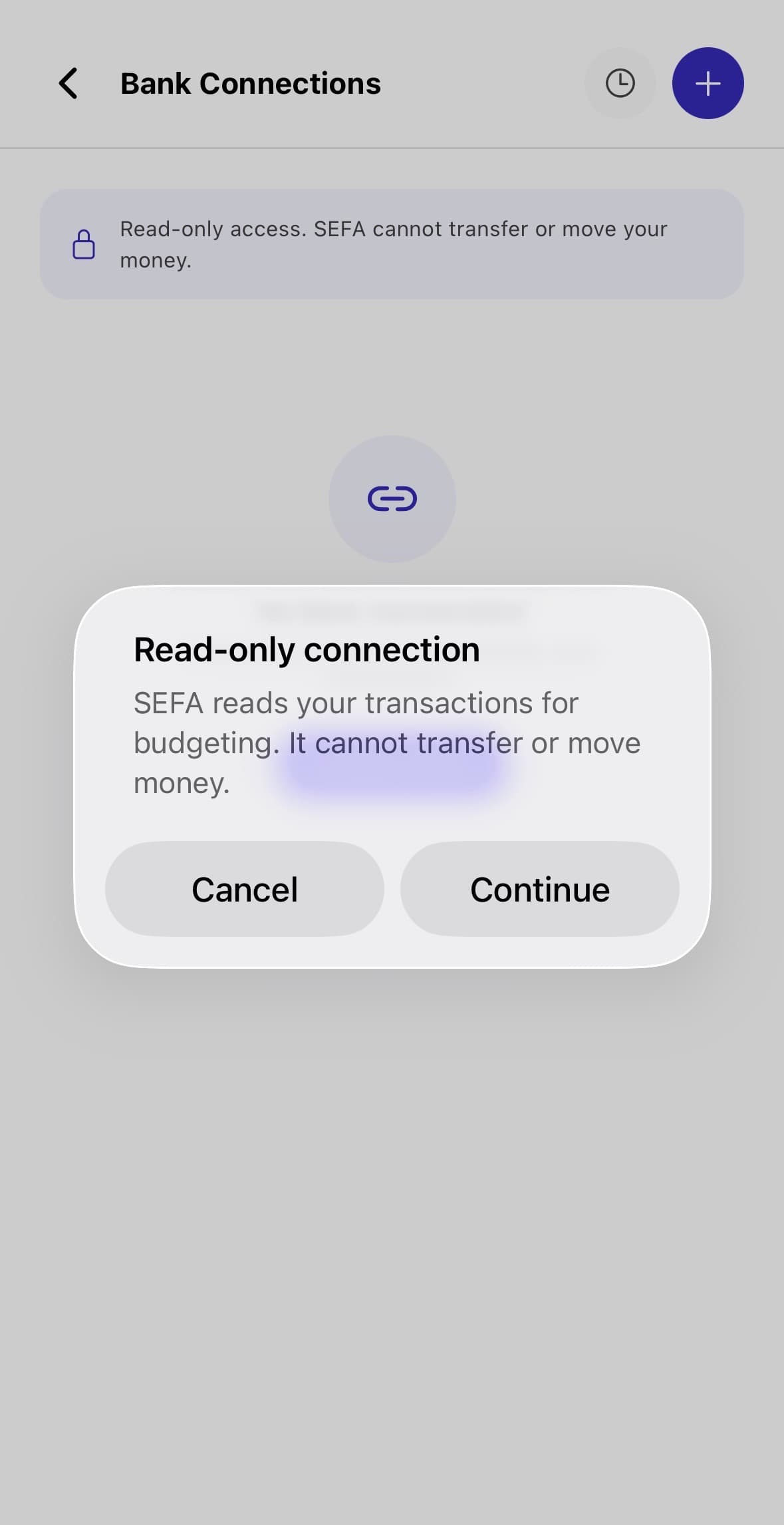
SEFA read-only bank connection confirmation
Read-only access
Download APK

Scan the QR code to download the SEFA mobile app.

Open your phone camera, scan the code, and install the latest Android APK build of SEFA. This APK receives the newest preview-channel app update on launch.

Download APK
EAS preview APK · link valid through Oct 10, 2026
QR code to download the SEFA mobile APK

Scan to install

Built for personal finance you can trust

Secure by Design
Read-Only Bank Sync
Review-First Imports
AI-Assisted Insights
Mobile-First Experience
Owoade Habeeb Temitope, SEFA developer
About The Project

SEFA is a smart financial budgeting assistant built for real users.

SEFA, Smart Expense and Finance Assistant, is an AI-powered mobile app designed to make personal finance easier to manage. It combines expense tracking, income records, budgets, statement import, read-only bank connections, and assistant-led insights in one secure experience.

Built for financial clarity

SEFA helps users track income, monitor spending, manage budgets, and understand their money through practical AI-guided insights.

Final year project

The system was developed as an academic software engineering project focused on solving everyday personal finance challenges.

Project supervision

Supervised by Mr Falana, with emphasis on a secure, useful, and user-friendly financial budgeting experience.

Built by Owoade Habeeb Temitope, Department of Software Engineering, Bowen University.

Supervisor: Mr Falana

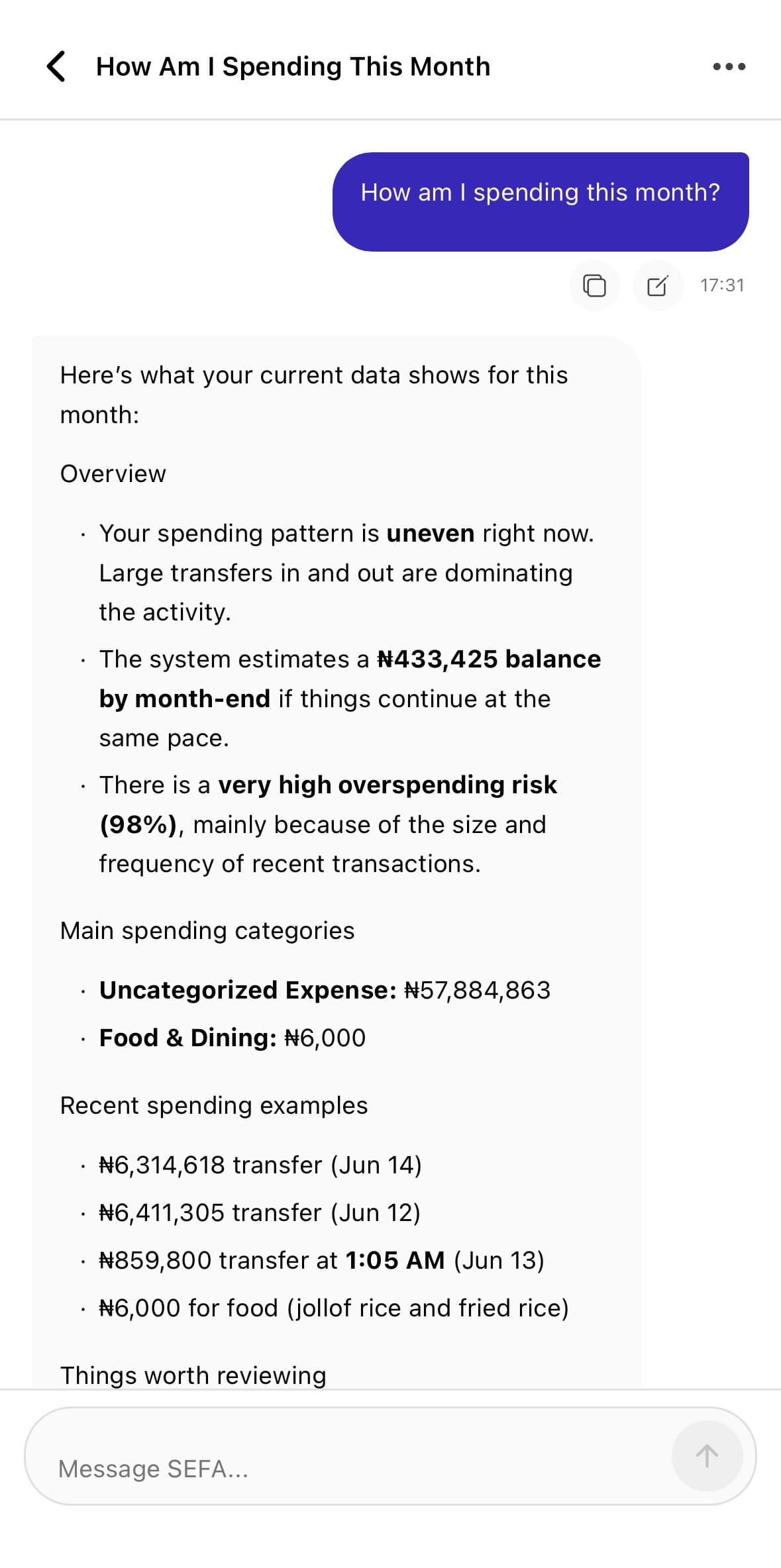
SEFA Assistant

Ask SEFA for practical money guidance.

Ask questions about your spending, budget position, and saving opportunities. SEFA explains your financial patterns in plain language so you know what to do next.

Plain-language financial answers
Spending pattern explanations
Budget and savings guidance
SEFA Assistant spending guidance conversation

01/03SEFA Assistant

Swipe the feature area or use the arrow keys to change slides.

What SEFA Does

Everything you need to manage your finances

From tracking a single expense to reviewing AI-generated spending insights, SEFA gives you the tools to take control.

Secure Authentication

Sign in with email and password protected by industry-standard hashing. Your account is locked down from day one.

Income & Expense Tracking

Log every transaction with categories, notes, and dates. Get a clear picture of where your money comes from and where it goes.

Budget Monitoring

Set monthly budgets per category and track your progress in real time. Receive alerts before you overspend.

AI Financial Insights

SEFA analyses your spending patterns and surfaces practical recommendations to help you improve your financial habits.

Read-Only Bank Sync

Connect your bank account in read-only mode. SEFA can never move money — it only reads transactions to save you manual entry time.

Bank Statement Import

Upload PDF, CSV, or Excel bank statements. Review parsed rows, correct unclear entries, and approve exactly what gets saved.

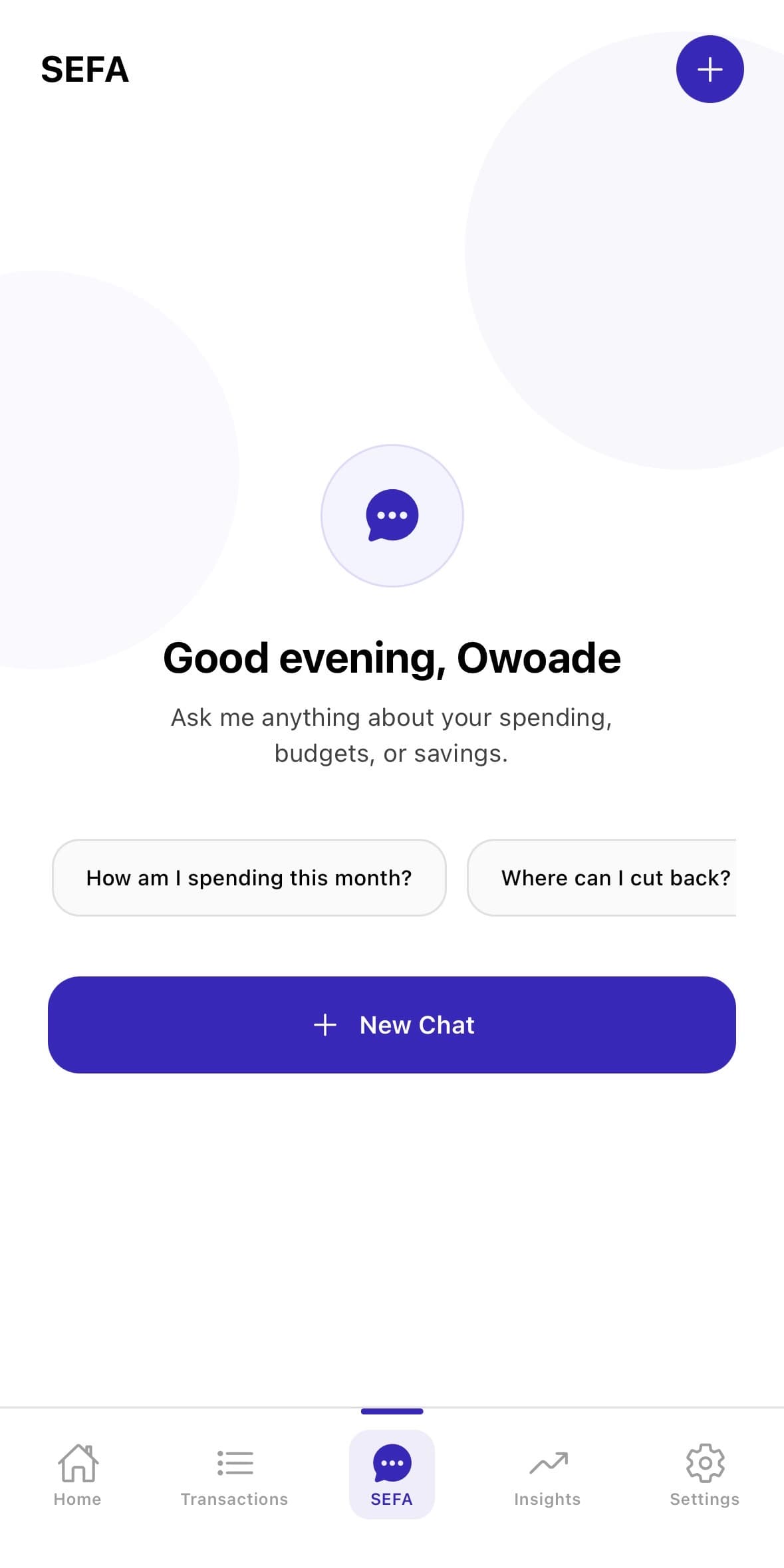
SEFA Assistant

Ask SEFA Assistant questions about your finances in plain language. Get spending summaries, budget status, and savings tips instantly.

Biometric & PIN Protection

Lock the app with Face ID, fingerprint, or a custom PIN so your financial data stays private even if your phone is shared.

Getting Started

Up and running in minutes

SEFA is designed to be simple. Follow these steps and start gaining clarity over your finances today.

1

Create your account

Sign up with your email address and set a secure password. Your account is protected from the moment you register.

2

Complete onboarding

Set your financial profile, choose your base currency, and configure your preferred categories so SEFA understands your money habits.

3

Add transactions or connect your bank

Manually log income and expenses, import a bank statement, or connect your bank account in read-only mode to pull in transactions automatically.

4

Set budgets and categories

Define monthly spending limits for categories like food, transport, and entertainment. SEFA tracks your progress and notifies you when limits are close.

5

Review insights and recommendations

Explore your AI-generated spending summaries, trend charts, and personalised recommendations to build smarter financial habits over time.

6

Ask SEFA Assistant for guidance

Use the conversational assistant to ask questions about your finances — from monthly summaries to budget position — and get clear, data-driven answers.

Privacy & Security

Your finances stay private. Always.

SEFA is built with a privacy-first approach. Every feature is designed to give you financial clarity without ever compromising your security.

  • Read-only bank connection — SEFA cannot move money
  • Review-before-import workflow for bank statements
  • Biometric and PIN protection on the app
  • Secure authentication with hashed credentials
  • No third-party data sharing
  • User-controlled financial records
Common Questions

Frequently asked questions

Contact

Want to ask about SEFA?

For questions about the project, feedback, or academic review, you can contact me directly through email.

Software Engineering, Bowen University